
FigsFlow
Complete web platform build for FigsFlow combining regional hubs, an in-house CMS, a dedicated support portal, an AI proposal analyzer plugin, and automated tracking.

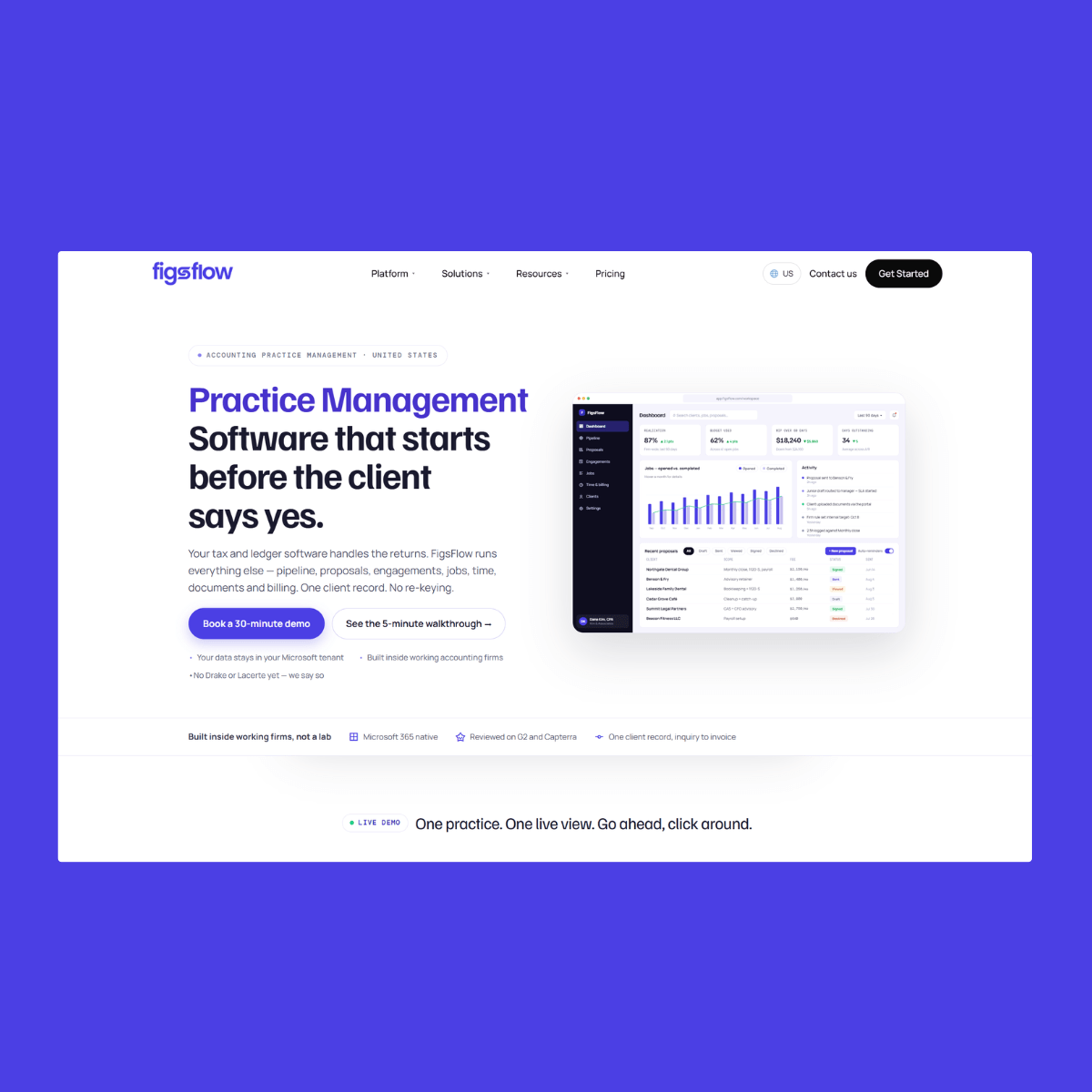


The FigsFlow project involved creating an interconnected digital ecosystem that brought together the main marketing website, regional branches for the US and UK markets, a dedicated customer support portal, and an internal AI analysis tool.
I worked on the core website build using a hybrid setup that combined WordPress with a custom in-house Content Management System. This approach gave the content and sales teams direct control over publishing, regional page variations on /us and /uk, and structured product catalogs without running into template bottlenecks. Alongside the main site, I built the dedicated support sub-site at support.figsflow.com, organizing product documentation, guides, and onboarding material so clients could find answers quickly.
A key part of the technical build was the FigsFlow AI Analyser, a bespoke WordPress plugin developed to connect with external AI APIs. Accounting practices use FigsFlow for proposals and legal engagement letters, so the plugin securely receives uploaded agreement documents, runs them against specific prompt rules through the API, and delivers structured review summaries directly to the screen.
To keep marketing and sales running smoothly, I implemented HubSpot lead forms across key landing pages and connected Zapier webhooks to sync inquiry data directly into sales pipelines and client databases. On the measurement side, I partnered with the SEO team to implement Google Search Console, Google Analytics, and Google Tag Manager. We set up custom event triggers for form completions, regional interactions, and key clicks, ensuring every search trend and conversion path was tracked cleanly.